HOW TO ENSURE YOUR DESK IS ERGONOMIC
Having the appropriate furniture and equipment allows you to improve the set-up of your workstation, increasing comfort, and reducing the risk of injury. It is also important to ensure the positioning of a desk supports your needs and prevents injury. This section will explain the correct ergonomic desk setup, covering the features needed for a desk setup and office chair to be ergonomic. We also cover how to ensure your desk is positioned at the right height.
WHAT IS AN ERGONOMIC DESK?
An ergonomic desk is designed to prevent the user from getting injured or working at an uncomfortable angle. They prevent common injuries such as repetitive strain injury, carpal tunnel syndrome, upper limb discomfort, elbow pain, neck pain, and back pain. An ergonomic desk also provides maximum comfort for the user, increasing focus, and work productivity. An ergonomic desk will be set up at the right height for the individual and the chair used. Objects placed on the desk, such as the keyboard and mouse should also be placed at the correct distance and be easily in reach.
HOW TO SET UP YOUR DESK ERGONOMICALLY
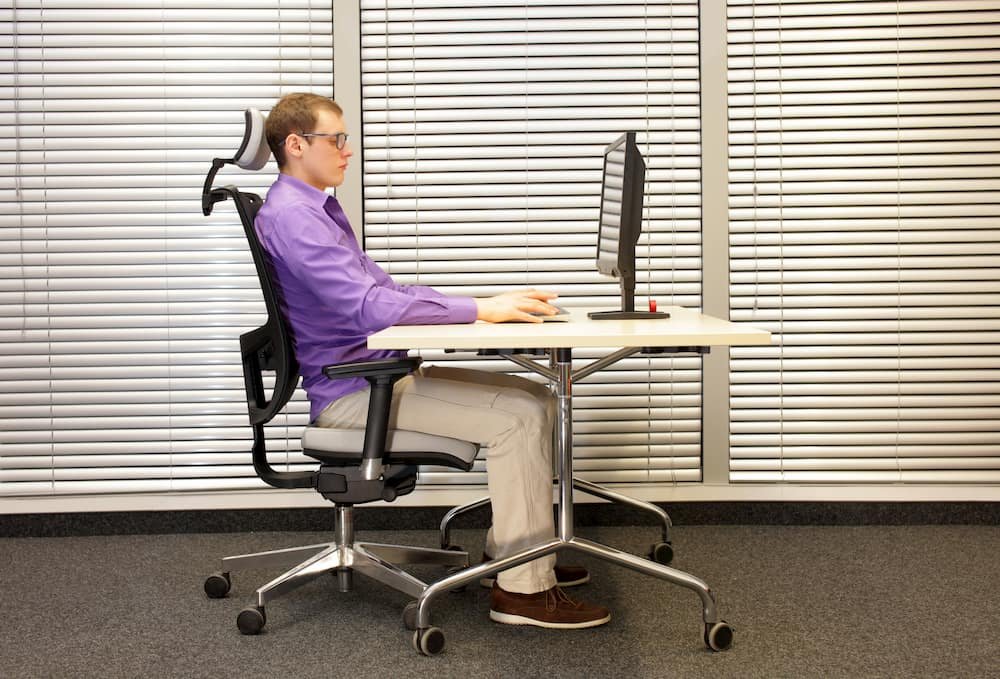
Your desk is at the right height if:
- Your legs sit comfortably under the desk if you are sitting with your feet flat on the floor. You should have enough space to cross your legs. If needed, use a footrest for extra support.
- The angle between your forearm and upper arm is between 90 degrees and 110 degrees.
- Your upper arms are in line with your torso. Your hands should be rested comfortably on your desk if your desk is at the right height.
INVEST IN AN ADJUSTABLE DESK IF POSSIBLE
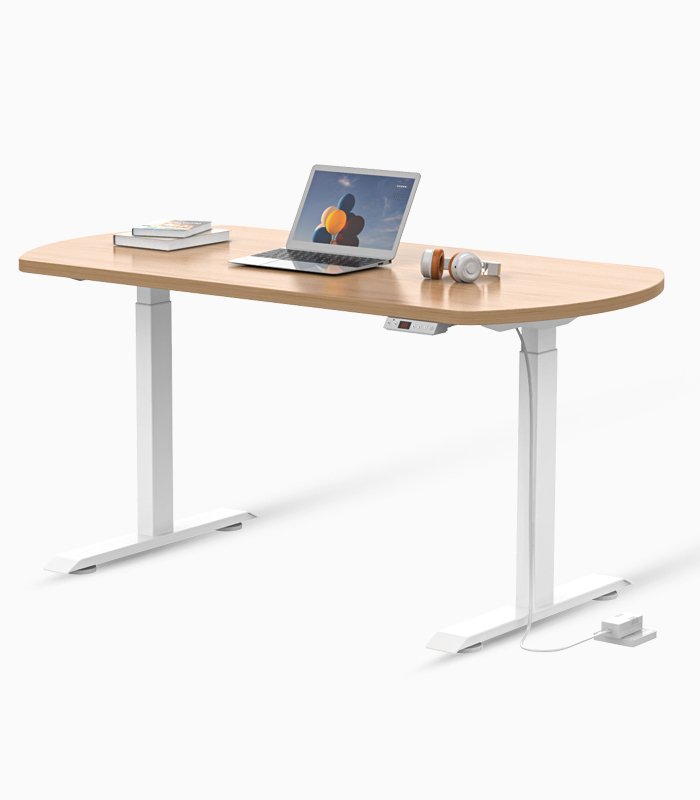
If possible, invest in a desk that you can adjust throughout the day. Altering your posture can help prevent repetitive motion-related injuries and fight fatigue. An adjustable desk allows you to set your entire workstation height to precisely your comfort level. Adjustable desks and sit-stand desks are becoming more popular in offices due to their flexibility and ability to cater to the user.
ENSURE THE MONITOR IS PLACED CORRECTLY
A badly placed monitor can be the cause of many health issues, including neck and shoulder pain, and headaches. Placing your monitor too close to you will strain your eyes, while placing it too far away may make you slouch forward. Your monitor should be placed at about 20 inches in front of you, or arm’s length. It should also be placed at an angle of about 10 to 20 degrees.
You can read more about the correct monitor placement in our guide to computer ergonomics here.
ENSURE THE KEYBOARD AND MOUSE ARE PLACED CORRECTLY
The mouse should be positioned so it keeps your arms at or below a 90-degree angle. Your keyboard should be placed just below the elbow level. It should be flat on your desk or gently sloping away from you.
You can learn more about typing ergonomics in our guide Why is typing ergonomics important?
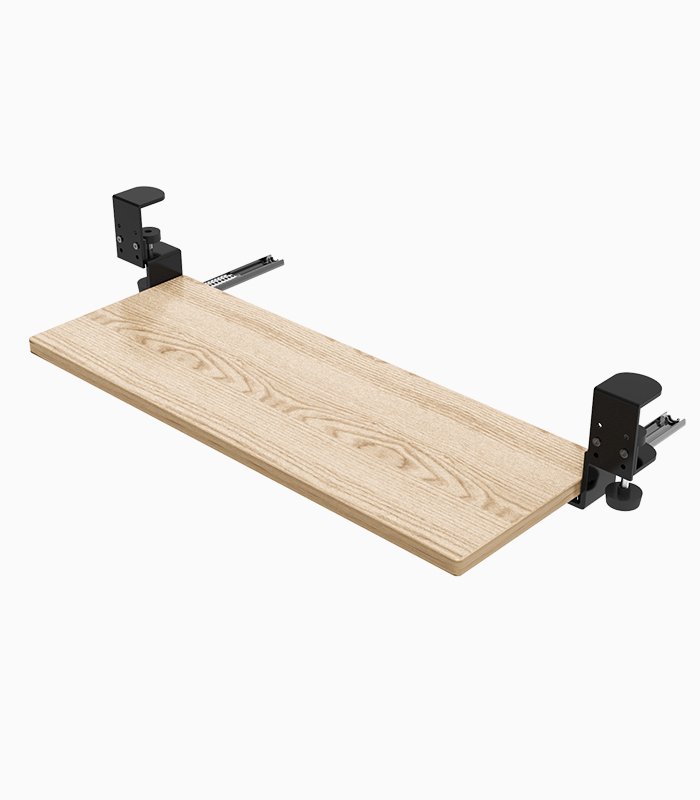
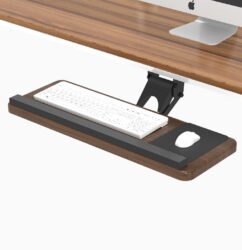
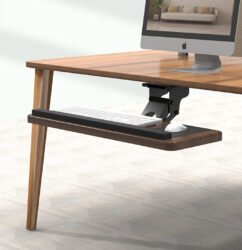
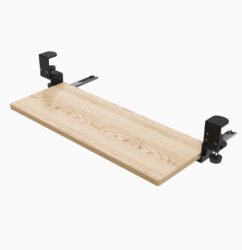
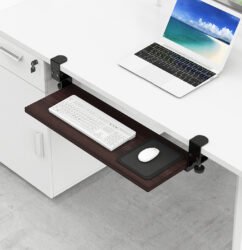
A keyboard tray is often an overlooked component of an ergonomic setup. Using a keyboard tray is necessary if you struggle to adjust your keyboard to the right height, as a tray means you don’t have to adjust the keyboard.
Wrist rests support your wrists while you are typing or using a computer mouse. This can prevent injury to the hand as it stops your hand resting at an uncomfortable angle. If you are experiencing carpal tunnel syndrome, we recommend you visit your GP.